One chat. The set your work needs. Research through rollout.
A multilingual AI workspace for planners and biz-dev. Describe the work and one conversation builds the set it actually needs — research and a market model for an investor round, a spec and a working prototype for a product build, a design system and a landing page for a launch — out of eighteen artifacts that stay coherent with each other. Your team edits, presents and shares every one of them live.
Free to start · no card needed
Claude Sonnet 5 · GPT Image 2.5
Live co-editing with your team
DOCX · HWPX · PPTX · PDF out
18
artifact tabs, research through rollout
–
ready-made project sets, prototype included
30
languages — UI, templates and what the AI writes
4
file formats — DOCX · HWPX · PPTX · PDF
Who it is for
The set your job needs is already known
Every role ships a different bundle, and nidavellir knows the combination. Pick yours and start from a template built for exactly that.
Founders · fundraising
Research → financial model → business plan → IR deck → a demo that clicks. One Series A set, in one sitting.
Public sector · grants & RFPs
Application body in HWPX, summary as a deck, schedule and budget as tables. Reviewer questions rehearsed in the Q&A tab.
Product planners
A MoSCoW spec, a design system, screen mocks and a prototype that actually runs. Show the dev team behaviour, not a brief.
Agencies · consultancies
Brand kits and team templates keep each client on tone; per-seat workspaces write the proposal together. Clients get a link that expires.
Marketers · launches
Naming options → concept board → landing page → a 30-second narrated video. The GTM plan runs on the kanban.
Content · education
Webtoon, series and course proposals with season structure, a pilot landing page and a teaser video — packaged for producers and platforms.
Artifacts
Eighteen surfaces, one project
Every tab reads the same project. Recolour the design system and every screen comp follows; change the proposal and the kanban does. The AI keeps the set coherent so you are never reconciling eighteen documents by hand.
01
Research
Pile up the material, then establish what is true.
Knowledge
Drop in briefs, PDFs, links and last year's deck. The agent searches them before it writes a word.
Research
Web research with real sources, collected on a board — then pushed straight into the proposal.
Interviews
Primary research — a question guide, who you spoke to, and insights that name the participants they rest on.
02
Define
Decide what this is, what it looks like, what it must do, and whether it pays.
Concept
Direction candidates with mood images, palette and keywords. Pick one; the whole set follows it.
Branding
Name candidates, taglines and generated logos — saved as a brand kit you can reuse on the next project.
Design
A design system — colour, type and spacing tokens plus components — and screen comps drawn live from it.
Spec
Requirements with MoSCoW priorities. Import from CSV, or ask the agent to fill the gaps.
Model
Assumptions, projections and KPIs. Break-even and CAGR are derived from the table, never typed in.
Metrics
One north star, the inputs that move it, guardrails, and OKRs — with how every number is actually counted.
03
Document
Say it — then say it out loud.
Proposal
Collaborative rich text with tables, charts, infographics and images. Exports to DOCX, HWPX and PDF.
Deck
16:9 slides with real layouts and design themes. Present full-screen, or export PPTX and PDF.
Q&A
The questions the room will ask, answered from your own artifacts — and a list of the ones they cannot answer.
04
Build
Show it running, at a URL you can send.
Prototype
React/Vite or Streamlit code the agent writes, running in a Docker container at its own URL.
Website
A second live site next to the demo — landing page, docs, microsite — built and served the same way.
Video
Slideshow renders, narration in dozens of voices, concept-image motion clips and cinematic effects.
05
Run
Do it, and track who is doing what.
Team
Roles, cost and RACI, plus a working method picked for this project and the reason it was picked.
Risks
Cause → effect, scored and owned, with the observable that says it has happened — and what you do then.
Kanban
Columns, cards and a timeline. Press ▶ on a card and the agent picks up that task itself.
Real examples
What teams actually ship with nidavellir
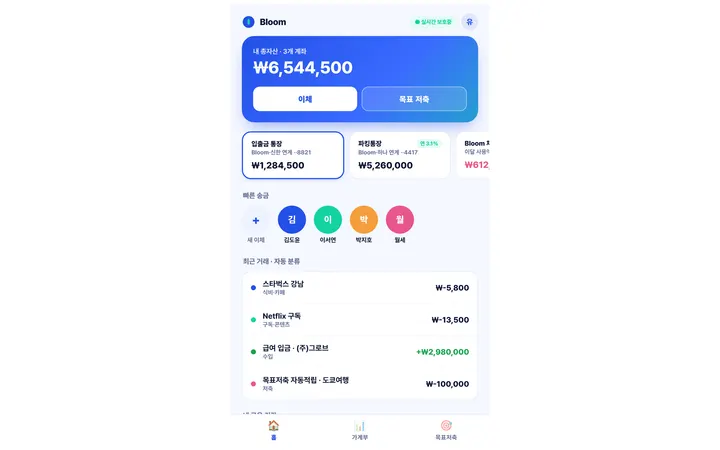
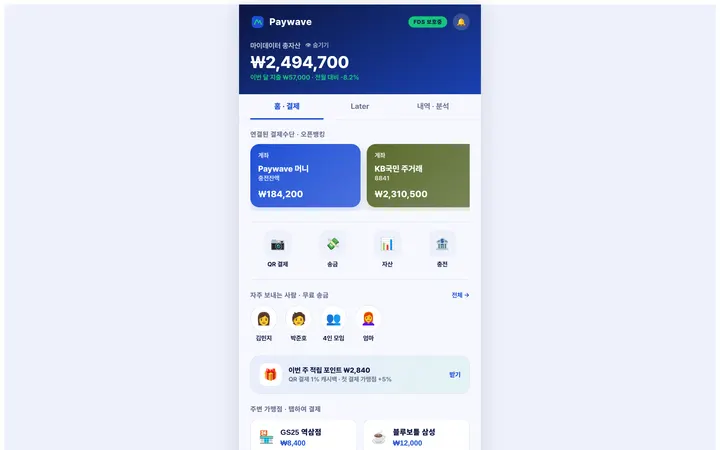
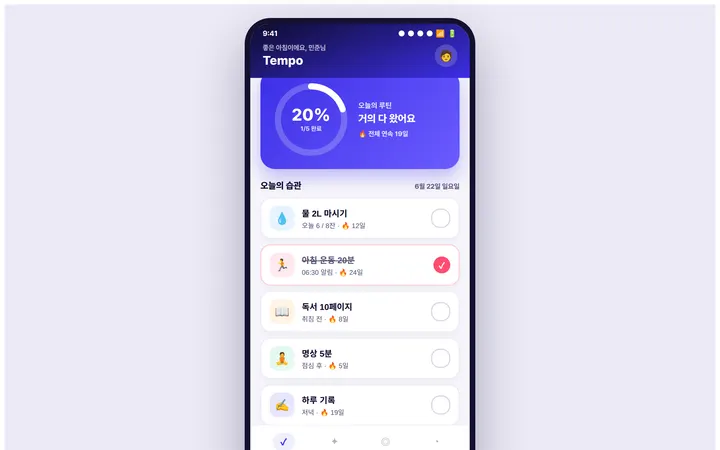
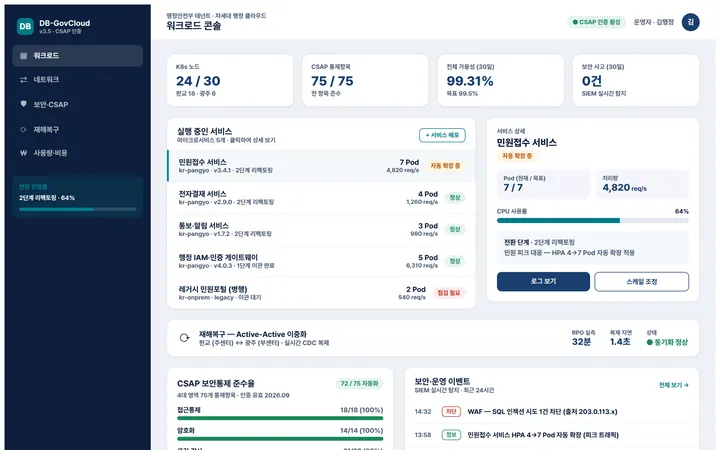
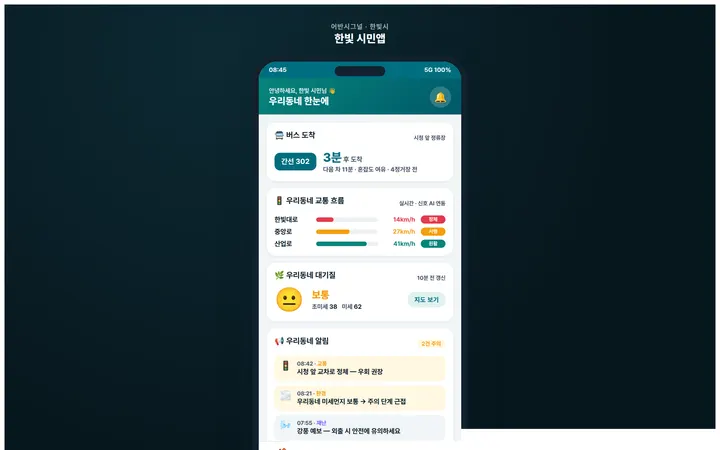
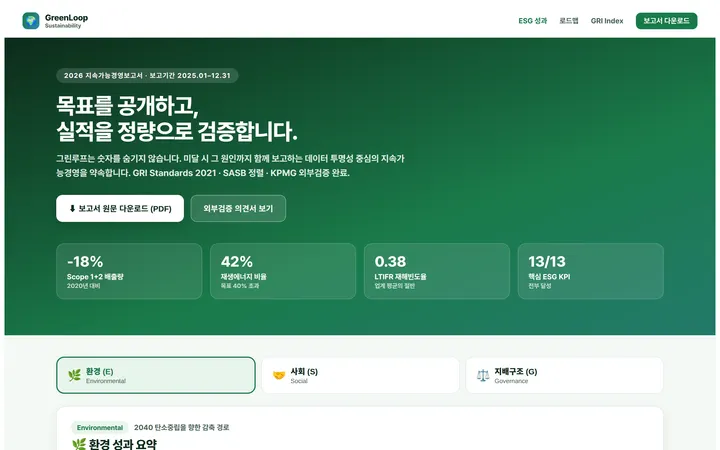
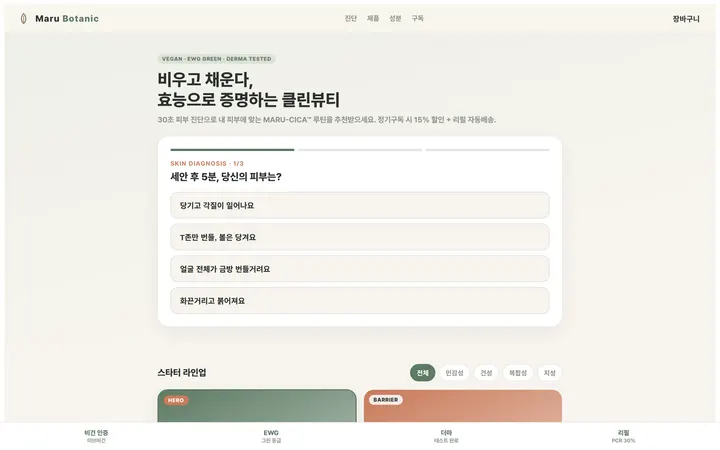
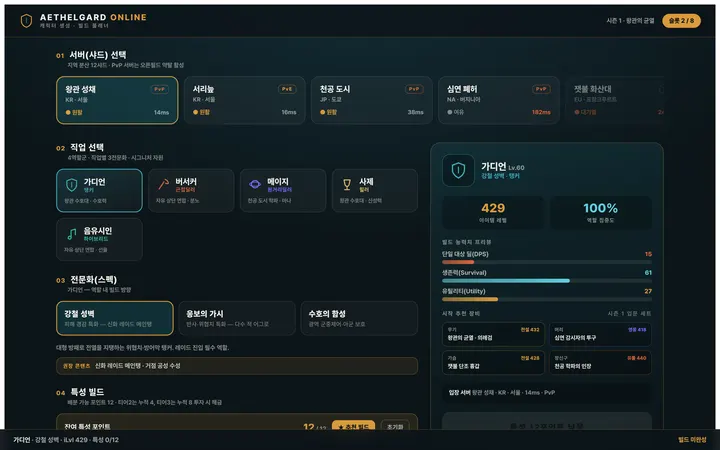
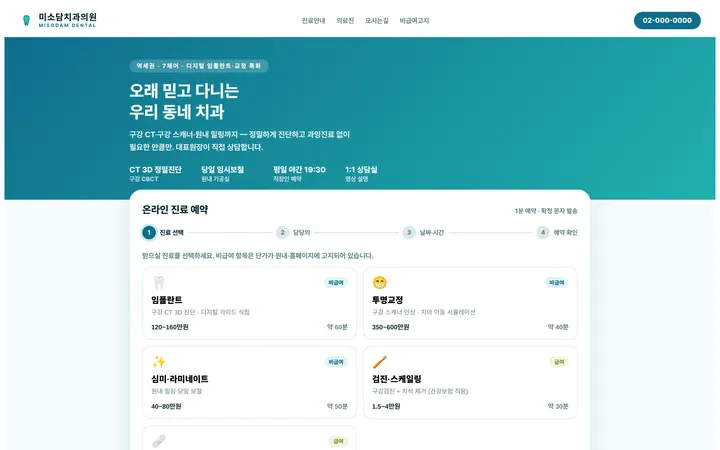
24 realistic scenarios go-to-market teams hit every week — each card cover is the actual generated prototype screen. Every one is one chat away: proposal, deck, concept, prototype, video and kanban, all populated from a single prompt.
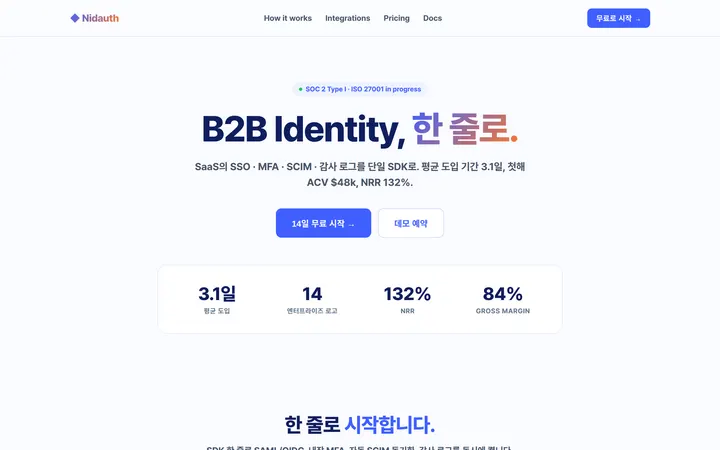
Spec
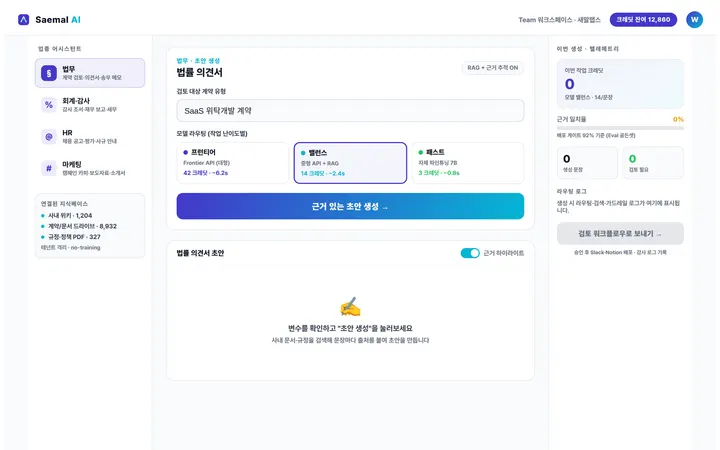
Deck
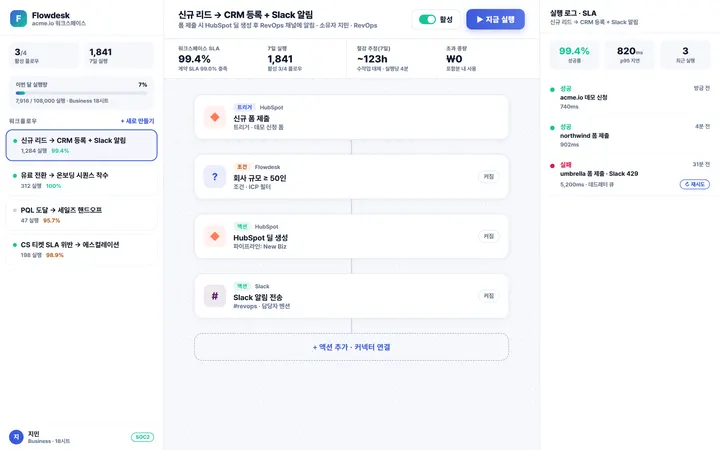
Prototype
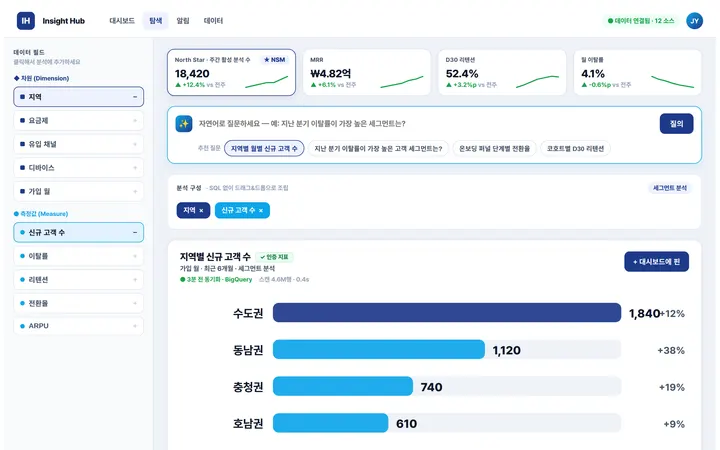
Spec
Deck
Prototype
Spec
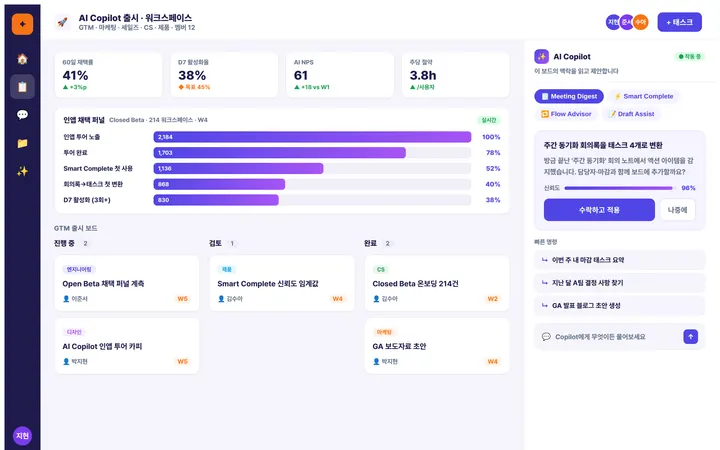
Deck
Prototype

Spec
Deck
Prototype
Spec
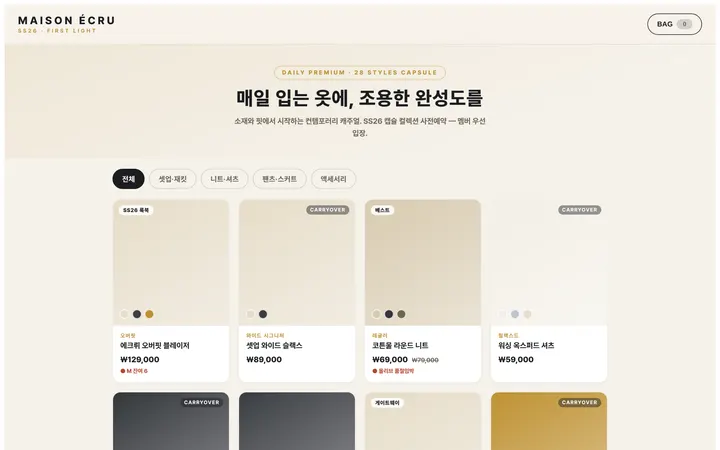
Deck
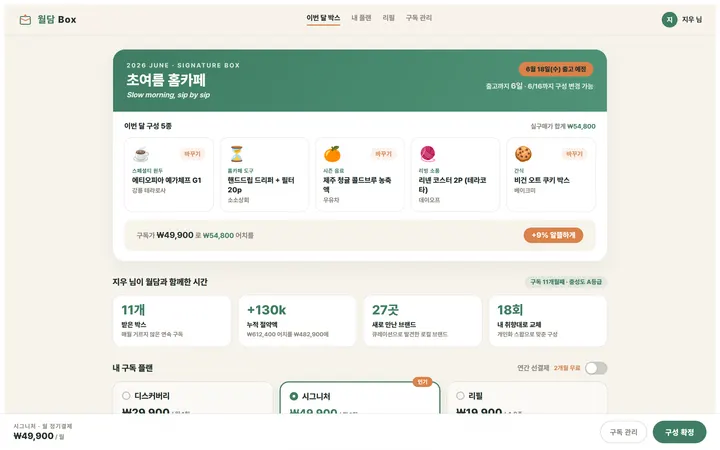
Prototype
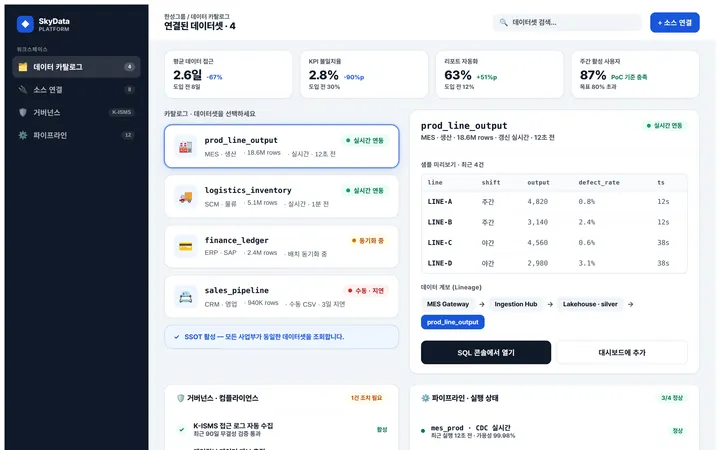
Spec

Deck
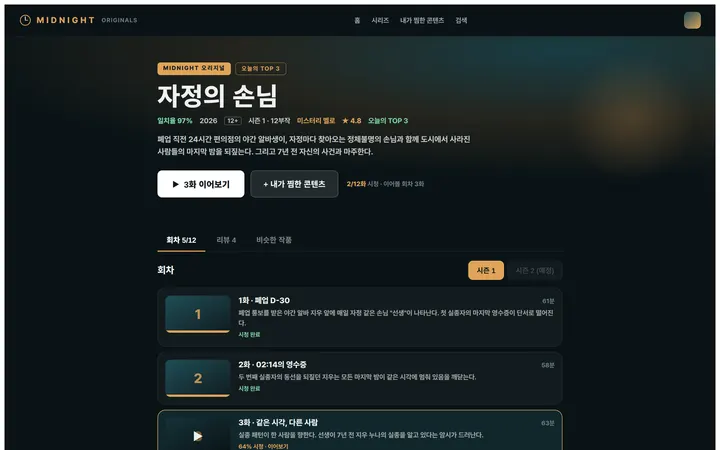
Prototype
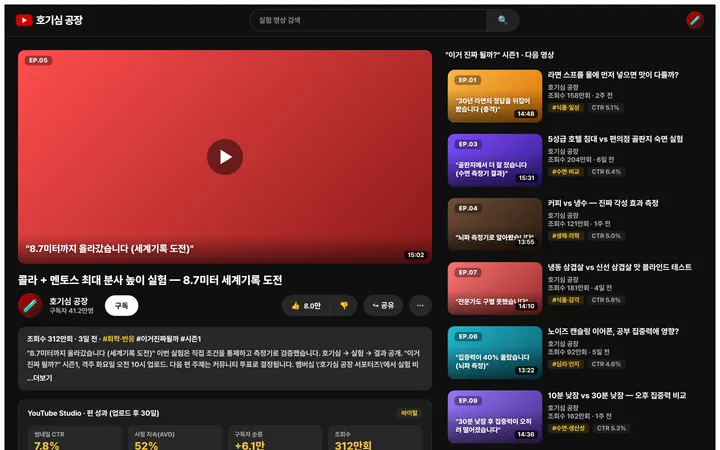
Spec
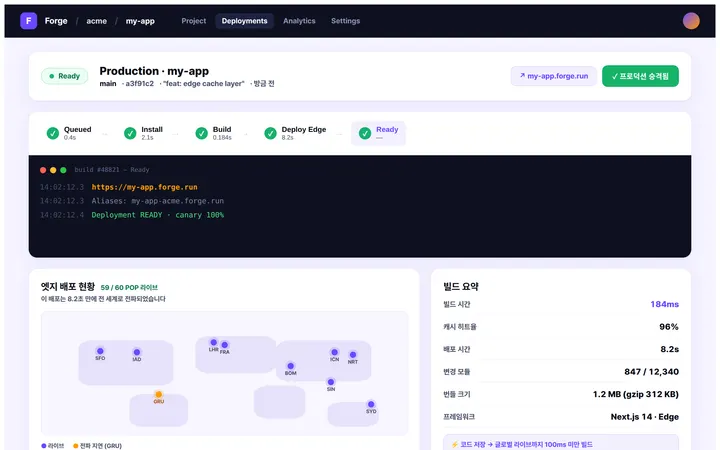
Deck
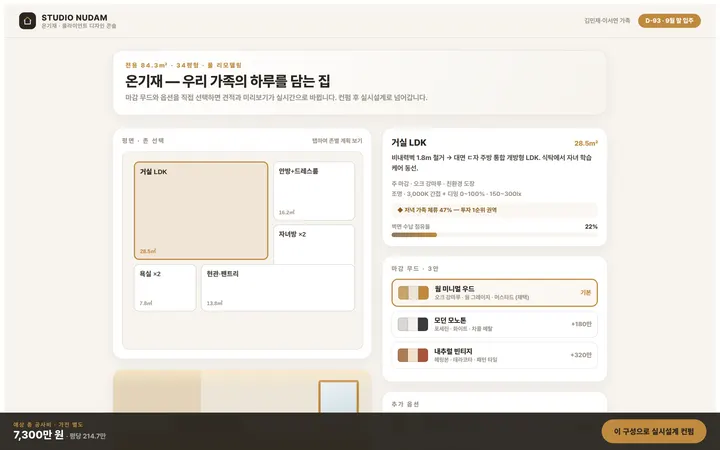
Prototype
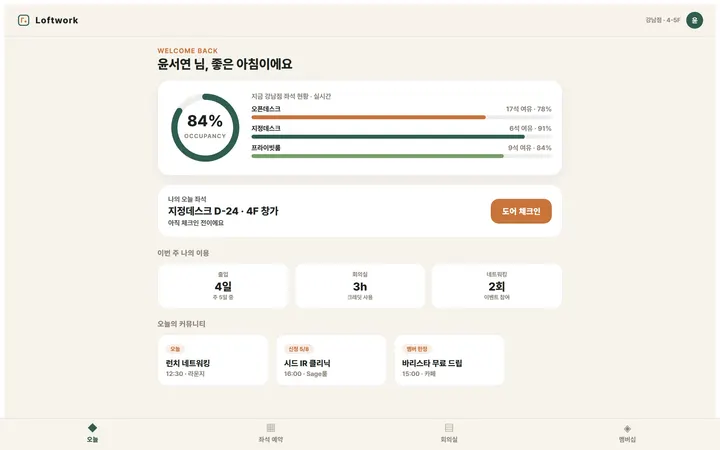
Spec
Deck
Prototype
How it works
Blank project to full set, in one sitting
No setup, no template hunt, no styling pass. Say what you are working on and the artifacts start filling in — or start from a ready-made project set.
01
Open a project
Sign in once with Google. Start empty, or pick a template and land in a project that is already populated.
02
Say what you need
"Take our B2B auth product to a Series A set." The agent writes a plan, shows you the steps, and starts working through them.
03
Watch the tabs fill in
Research, concept, spec, proposal, deck, demo, video and board populate in live previews. Step in and edit any of it while the agent is still running.
Safeguards
Why you can send what the AI wrote
A draft is a draft. So nidavellir checks after it writes, flags drift between artifacts, undoes anything, and lets everything out.
Sources that actually open
The server opens every citation on the research board. Dead links and pages that never existed are marked — and a person decides.
A second look after every big write
After a kickoff, a template apply or a full rewrite, a review pass runs once more. Empty slides, bullet walls and skipped headings are scored and repaired on the spot.
Drift between artifacts, caught
Rename the product in branding and nidavellir checks whether the proposal and deck still say the old name, then offers a sync. Snapshotted first, so it is undoable.
Version history, agent writes included
Every write the agent makes leaves a snapshot. Compare what changed and restore in one click.
Start from the files you already have
Import DOCX, PDF, HWPX, PPTX and XLSX into the proposal; a PPTX arrives as a deck with its text boxes and images in place. Drop files in the knowledge base and the AI reads them first.
The code is yours too
Push the prototype and website source to a GitHub repo, or download it as a ZIP with no account needed. Nothing is locked in.
Not a solo tool — a team tool in every artifact.
All eighteen artifacts live in one room. The AI behaves like a teammate you share it with: everyone sees the same run, the same edits and the same history.
Live cursors & presence
Coloured cursors and name tags show where everyone is. CRDT merge keeps concurrent edits conflict-free.
Shared chat, shared agent
One transcript for the whole team, plus a team-only channel the model never sees. Hand the agent to a teammate, or let a guest watch a run live.
Undo that actually undoes
⌘Z on any board, plus version history on every artifact — including the ones the agent wrote.
Comments & approvals
Comment with @mentions on the proposal, and collect sign-off from stakeholders who never open the studio.
Roles that hold
Owner, admin, editor and viewer — enforced on the server, not just hidden in the UI.
Share links you control
Publish a read-only view with an expiry and a password. Revoke it and connected guests drop immediately.
3 teammates editing now
The pitch
Help B2B planners finish an investor-meeting set in under an hour with an AI workspacebob that produces every artifact at once.
Alice
"Add 5 investor personas, please"
Added 5 investor personas.
Invited cha@team.com to the project.
Cha
"Turn the deck into a video too"
Deck slideshow · 4s per slide · fade
Platform
The parts you only notice when they are missing
Everything around the artifacts: getting them out, keeping them safe, and running them with a team in whatever language you work in.
Real file exports
DOCX, HWPX, PPTX and PDF with rich marks, embedded images, merged cells and an outline — plus a static bundle of your site.
Ready-made project sets
Every template ships a populated proposal, deck, concept and a running prototype. Save your own project as one, too.
Workspaces & seats
An organization above your projects: per-seat billing, shared templates and brand kits, one invite space.
Version history
Every artifact snapshots as it changes. Compare, restore, and undo a delete from the toast that announces it.
Presentation mode
Full-screen slides with arrow keys and a wake lock, so the screen never dims halfway through your pitch.
Search across the project
⌘K finds a phrase in any artifact — proposal, slides, cards, spec rows — and jumps you to it.
Credits & quotas
A monthly allowance with a top-up wallet for heavy weeks. The remaining balance is always in the header.
30 languages
The interface, the templates and the artifacts the agent writes — including right-to-left layouts.
Phone & tablet
A responsive studio and an iOS/Android app, with keyboard-free ways to reorder slides and cards.
Light, dark, system
The whole studio follows your theme, and slides stay on their own light canvas so they export the same.
Keyboard and screen reader too
Every tab works from the keyboard alone, the agent narrates its progress to screen readers, and colour contrast is floored at render time.
Told when you are away
When a run finishes, the tab title and a notification say so; mentions, approvals and invites also arrive by email — with a one-click way out.
How it feels to use
Just ask in plain words — the AI actually does it
No menus to learn, no jargon. Chat the way you would with a teammate, and the research, proposal, deck and demo really get built and changed.

AI Agent
Look into the market for us first
Gathered 9 sources on market size and the three closest competitors, with links you can check.
Research
·
Done
Draft a proposal I can show investors
Filled in 6 sections — from the executive summary through market, model and the ask.
Proposal
·
Done
Can you make a demo people can actually click?
Built a working demo and put it online — you can click through it right now.
Prototype
·
Done
Oops, undo that last change
Reverted your last change. Ask freely — nothing here is permanent.
Undo
·
Done
Just type what you want, in your own words
Nothing to memorize, nothing to learn. Ask the way you'd ask a teammate, and the AI takes care of the rest.
Pricing
Start free, upgrade when you need to
Three plans, all eighteen artifacts on every one. Pay monthly or yearly — yearly gets two months free.
free
Personal use · evaluating
$0
/ mo
Unlimited projects · all 18 deliverables
150 AI messages, 60 images and 5 videos a month
PDF · DOCX · HWPX · PPTX export (10/month, watermarked)
pro
Solo planner · side business
$19
/ mo
2,000 AI messages a month · 1,000 watermark-free exports
800 images · 60 videos · 500 prototype runs
Share-link analytics — who opened it and when, 30 days
team
Per seat · agencies & teams
$16
/ seat / mo
Everything in Pro, on every seat
A shared workspace — brand kits, templates and projects together
SLA 99.95% + 24/7 support
FAQ
Questions people ask before they start
Short answers. The Help Center has the long ones.